
REDICT / GUIDE

How to grab web pages

By following these simple steps, you can easily activate the web saver app extension.

Читать на русском
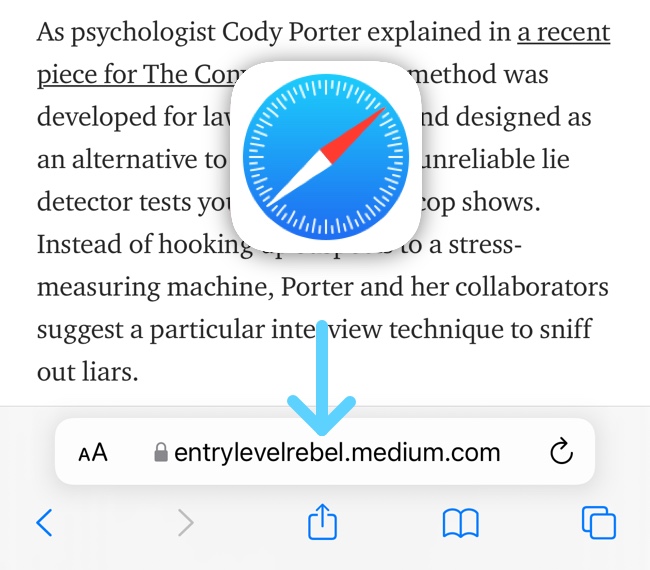
1. Open the Safari web browser. Click the "Share" button on the bottom bar.
1. Open the Safari web browser. Click the "Share" button on the bottom bar.

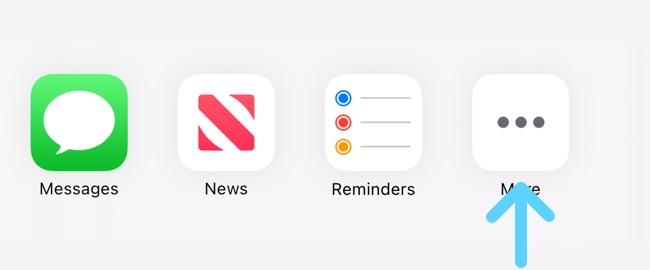
2. Scroll through the colored app icons and tap "More".
2. Scroll through the colored app icons and tap "More".

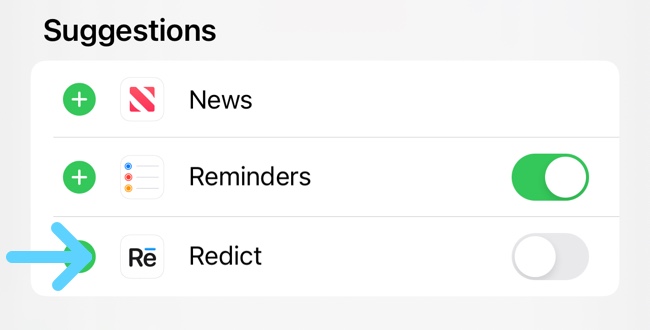
3. Select the application from the list.
3. Select the application from the list.

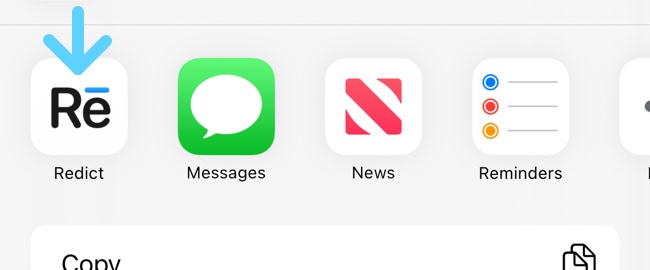
4. Now you can click on the icon at any time and grab the web page or text in any application.
4. Now you can click on the icon at any time and grab the web page or text in any application.

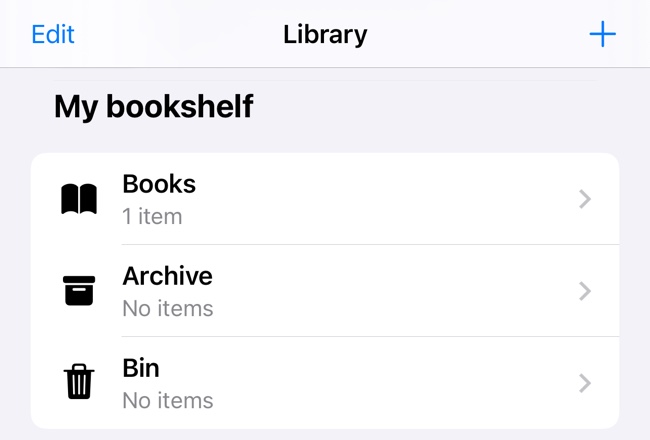
5. The saved pages will be converted into books, and you can always read them in the "Library" section.

5. The saved pages will be converted into books, and you can always read them in the "Library" section.